






















Build faster with real-world 🧩UI Blocksfor your next project.

A curated library of production-grade UI components and modern UX patterns. Copy, customize, and ship faster.

Monograph Logo
Profile
Web
iOS
Latest
Most Popular
Top Rated
Animations
Filter

Authentication

14 blocks

Hero Sections

Popular

Blog Sections

New

Contact Forms

9 blocks

Features

24 blocks

Pricing

12 blocks

FAQs

Updates

Footers

8 blocks
Made withMonographMonograph

Works with your favorite AI.

Give your agent the perfect context. Drop Monograph references into whatever AI assistant you already use to generate production-ready UI instantly.

Claude Code
Codex
Gemini CLI
ChatGPT
Cursor
OpenCode
GitHub Copilot
VS Code
Goose
Zed
Antigravity
Windsurf
Amp
Cline
JetBrains
Warp
Raycast
Kiro
Continue
Roo Code
LM Studio

Connect Monograph to your AI agent. Ship UI instantly.

Supercharge Claude Code and Cursor with official Monograph MCP support. Fetch production-ready UI blocks directly inside your editor via simple natural prompts.

1

Add Monograph MCP

Quickly install the MCP server into your local environment.

npx @monograph/mcp add
2

Select Your Agent

Configure your preferred AI code assistant.

ClaudeClaude
CursorCursor
3

Prompt & Generate

Instant React & Tailwind blocks directly injected.

✓ Components injected
import Hero from '@/components/Hero'
Add the pricing table and hero section from Monograph with clean Tailwind classes.
Monograph MCP Server
Found 2 matching patterns
Injected React components into your project
2 components generated
Monograph UI · Code Export
Hero & Pricing Table
Rendered Output
Copied to project
Generated React Code
import { PricingCard } from "@/components/ui/pricing";
import { Hero } from "@/components/ui/hero";

export default function Page() {
  return (
    <main className="flex flex-col gap-12">
      <Hero 
        title="Ship UI instantly" 
        subtitle="Extract production-ready layouts." 
      />
      <section className="grid grid-cols-2 gap-8 px-4">
        <PricingCard tier="Basic" price="$0" />
        <PricingCard tier="Pro" price="$29" highlighted />
      </section>
    </main>
  )
}

What makes this different.

Not just components. Real app context.

MonographMonograph
VERSUS
DribbbleDribbble
PinterestPinterest
We provide truly production-ready UI components.

It's for developers who want to ship faster with real, working code—not just look at pretty pictures. Perfect for giving your AI agent the exact structural context it needs.

Dribbble gives you unrealistic concepts, and Pinterest gives you moodboards. Monograph provides fully-coded, copy-pasteable blocks to build your app today.

Fair questions.

MonographMonograph
Can't I just look at Dribbble or Pinterest?
Monograph
You could, but they lack the structural context of how real apps work. Monograph shows you end-to-end flows, from edge cases to empty states, pulled straight from production apps.
Is it just another component library?
Monograph
No. Monograph isn't a UI kit. It's a visual reference library to help designers and developers understand how top products solve complex UX problems in the wild.
How does it help my design process?
Monograph
You can search our archive by pattern, UI element, or user flow. Found a great onboarding screen? Save it to a collection and share it with your team.

Hi, we're the Monograph Team 👋

We build complex web applications, and constantly look for inspiration on how others solve UX problems. Dribbble is too abstract, and competitor apps are hard to browse.

We found ourselves manually taking screenshots of apps, cataloging them in folders, and trying to reverse-engineer their flows. We wanted a central archive for real-world design patterns.

That’s why we built Monograph. It’s the component library and design reference we always wanted.
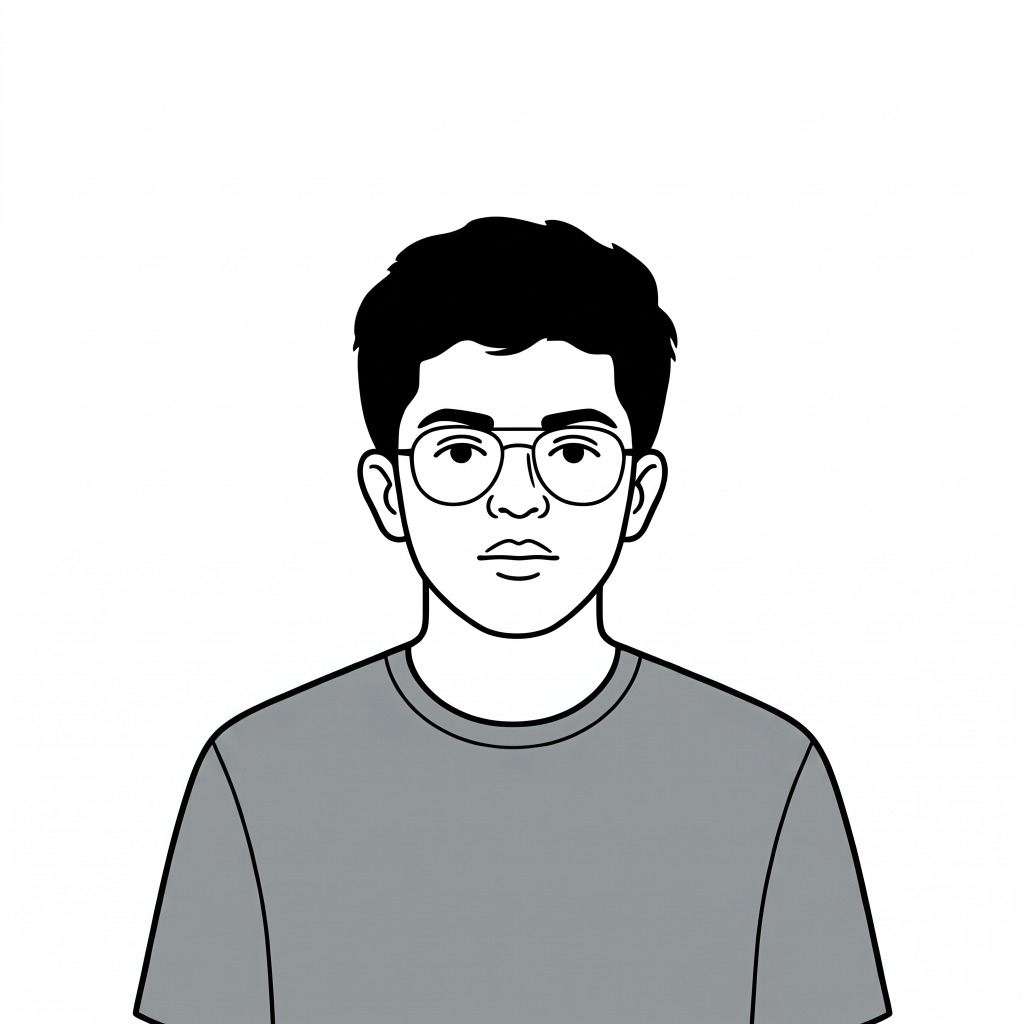
Ansak
AnsakMonograph Developer
Miflan
MiflanMonograph Designer
Paper Vault Logo
Pending
Pending
Pending
Monograph mascot

Paper Vault, Monograph

Find your next UX inspiration.

The ultimate reference for UI/UX designers and engineers.